Bridges
Bridges are used to send calls directly to other hosts, such as a carrier or foreign PBX. Bridges are added to destination select list.
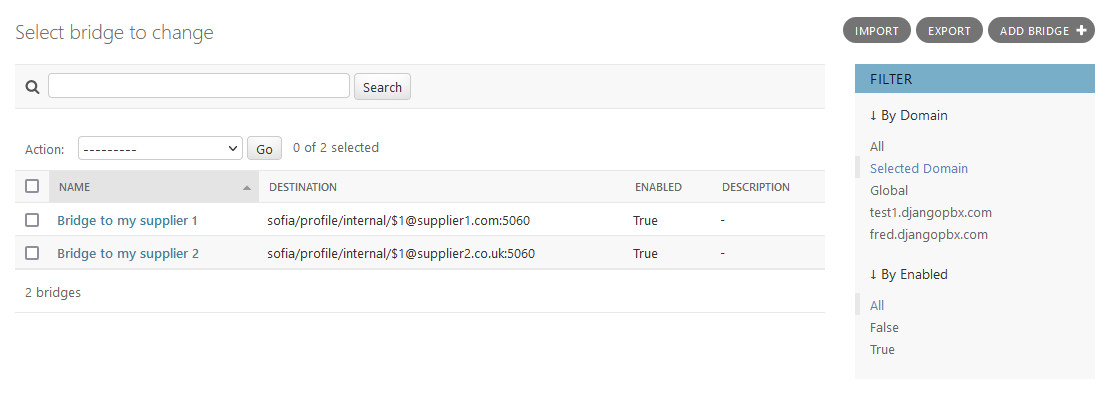
Click the +Add icon or Add+ button to add a record
Click on the name in the list to edit a record
Check the box on one or more record and select the delete action to remove records
Bridge Examples
To another SIP server or PBX
sofia/internal/$1@xxx.xxx.xxx.xxx:5060
To a user
user/201
or
sofia_contact(*/201@example.djangopbx.com)
Bridge advanced options
Multiple destinations are permitted, just separate the destination with a , | or :_:
Comma , connects simultaneously
Pipe |  connects in a sequence
colon underscore colon  :_: uses Enterprise (separate thread per destination)
Loopback to an external number
loopback/0987654321
Loopback to multiple external numbers simultaneously
loopback/012342223333,loopback/012342224444,loopback/012342225555