Default Settings
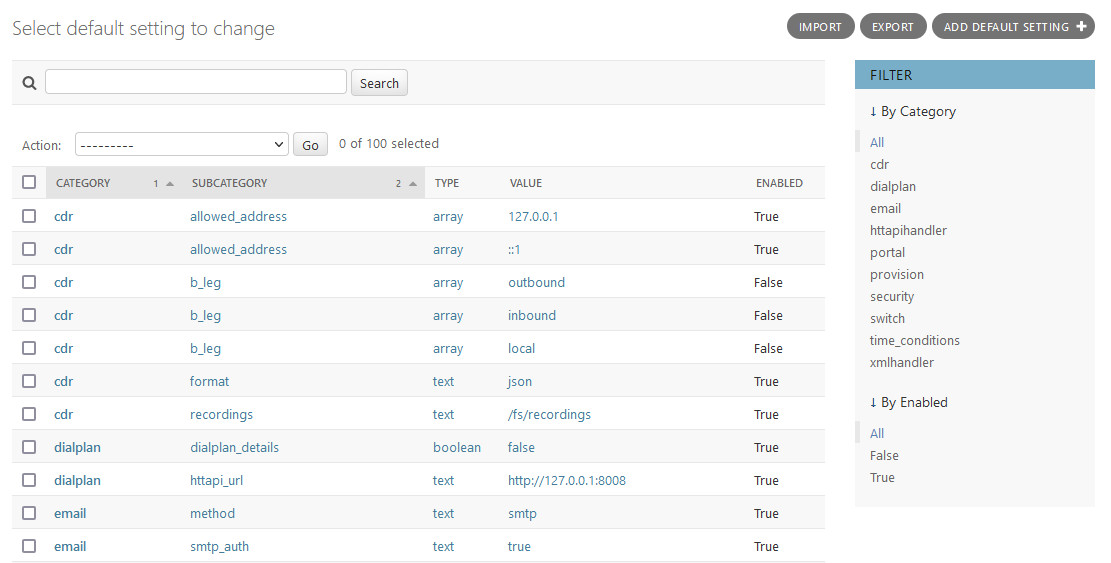
Default Settings are simply an extensible list of values that can be used to control how various aspects of DjangoPBX system operate.
A setting is defined by a Category name and a Sub Category name, the Value field holds the data for the setting. There is also a Type field that describes how we should interpret the Value because all the Values are stored as text in a database.
Default Setting Listing
Actions
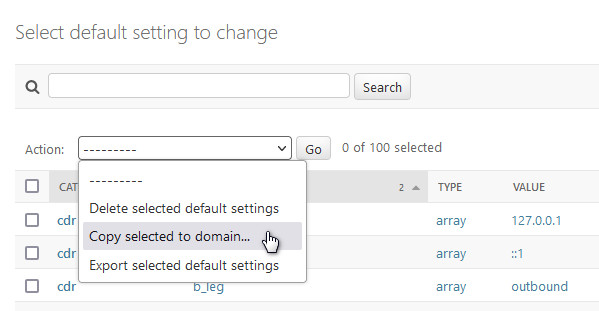
The following actions are available on the listing screen:
- Delete selected default settings
Self-explanatory.
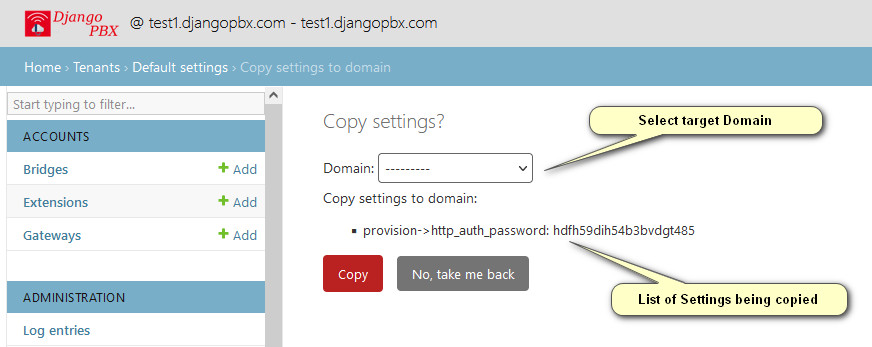
- Copy selected to domain
This presents an intermediate screen (shown first below) that allows the selection of the target domain. The purpose of this is to make it easy to create Domain Settings that override Default Settings.
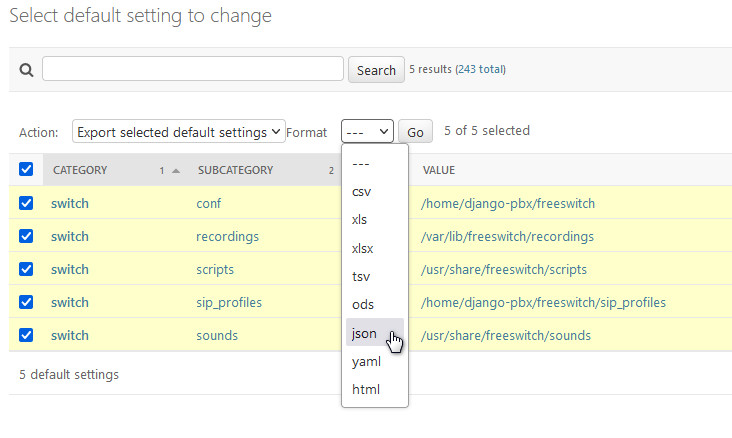
- Export selected default settings
This presents an intermediate screen (shown second below) that allows the export format to be chosen.
Copy selected to domain
Export selected default settings
Default Settings Edit Screen
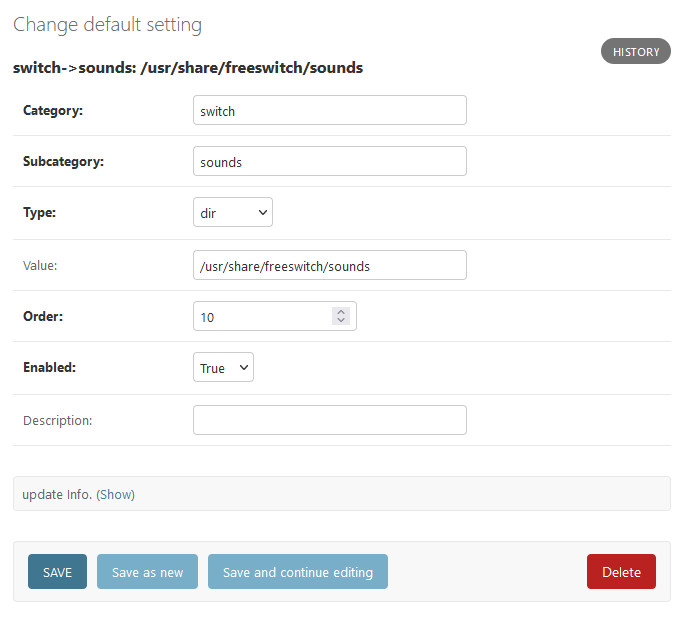
Setting Options
- Category
Name used to identify a group of settings.
- Subcategory
Name used to identify an individual setting within a Category.
- Type
- Specifies the data type of the value, it can be one of:
text
numeric
array
boolean
code
uuid
name
var
dir
- Value
The actual data for the setting.
- Order
Only required for the array type to specify the order of the array.
- Enabled
Sets the value active or inactive.
- Description
A note to help describe what the setting is used for.
We have not shown the edit screens for both Domain Settings and Profile Settings because they are very similar to the Default Settings screens, just having the addition of a Domain select box and a Profile select box respectively.