Admin Overview
The Admin Interface is the place where all the superuser configuration tasks are undertaken. This is often just a simple case of creating, editing or deleting database records.
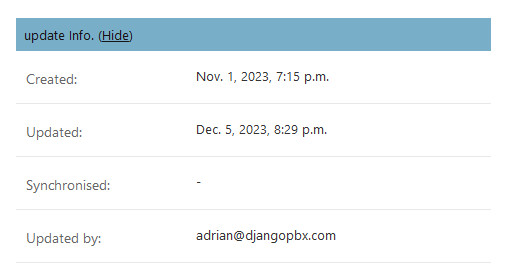
All records shown in the Admin Interface have a collapsible update section where details about the record’s recent history can be found. See the image below:
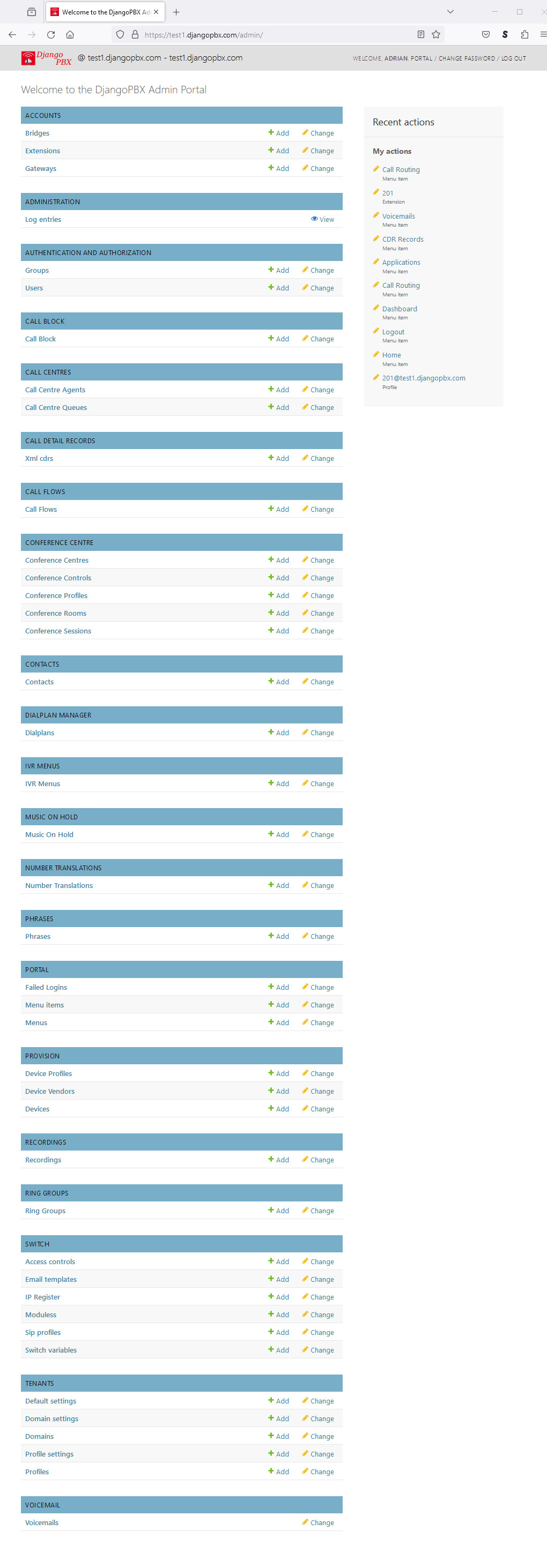
Below are two screenshots of the Admin Interface. The first shows the default set of models that will generally be used in production.
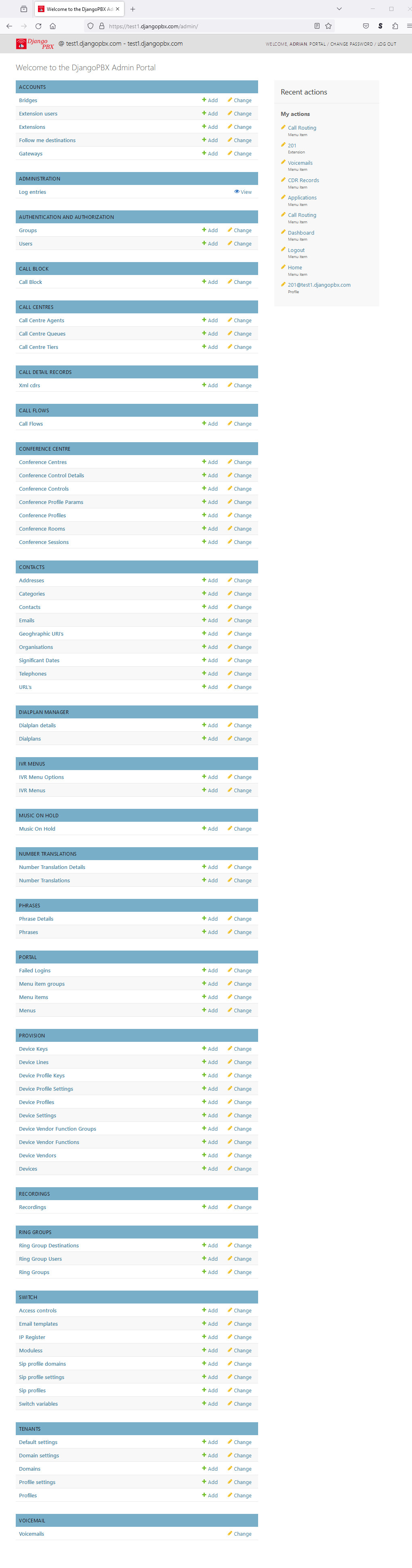
The second screenshot shows the full set of models; this can be useful for editing, importing, or exporting a related child table directly. This view can be enabled in the settings module by setting:
PBX_ADMIN_SHOW_ALL = True.
The default model list:
The full model list: